E-commerce Accounting in India: Track Sales, Stock & Profit

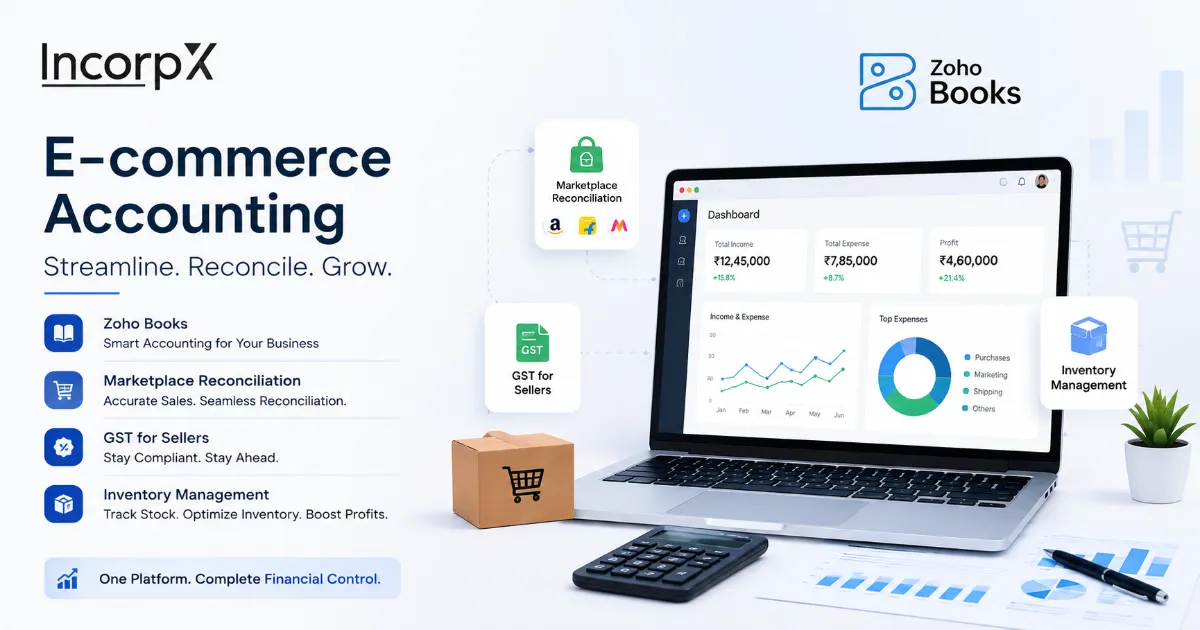
If you sell on Amazon, Flipkart, and Myntra at once, you have probably hit the same wall thousands of Indian sellers hit: you cannot tell what your real sales, expenses, or profit are. Each platform has its own reports, and none of them add up into one number. The fix is to bring every channel into one accounting system, such as Zoho Books, so your sales, stock, expenses, and profit sit together in real time. Here is why the problem happens, and how to solve it.
- Your bank settlement is not your sales. Marketplaces deduct commission, shipping, returns, and 1% TCS before paying you.
- Multiple platforms mean multiple reports. Real profit only appears when all channels roll up into one system.
- Zoho Books consolidates everything, sales, fees, returns, inventory, and GST, into one real-time view across all marketplaces.
- Track profit per channel and per product using tracking categories, so you see which platform and SKU actually make money.
- TCS at 1% must be reconciled, or the credit sits unused and you overpay GST.
- Zoho Books is cloud-based and easy to use, giving live visibility on web and mobile, unlike a desktop-only system.
Why Can't E-commerce Sellers See Their Real Profit?
E-commerce sellers cannot see real profit because each marketplace reports separately and pays only a net amount, so sales, fees, returns, and taxes are scattered across platforms and never combine into one clear number. The data exists; it is just fragmented.
Three or four platforms means three or four dashboards, each in its own format. Amazon shows one thing, Flipkart another, Myntra another, and none of them shows your profit, only your sales. To know if you made money, you have to add up every platform's sales, subtract every platform's costs, and match it to what reached your bank. Doing this by hand in spreadsheets is why many sellers spend days reconciling and still cannot see their real profit.
Why Doesn't Your Bank Settlement Match Your Sales?
Your bank settlement does not match your sales because marketplaces deduct commission, fulfilment and shipping fees, packaging, return-processing charges, and 1% TCS before crediting you, so the net amount looks nothing like your invoice total. This is the single biggest source of confusion for online sellers.
Say you sell an item for ₹1,000. The marketplace does not send you ₹1,000. After its cuts, you might receive ₹720, and that number arrives as a lump settlement covering many orders at once. Your bank statement shows ₹720, your invoice says ₹1,000, and nothing obviously connects them. The table below shows what typically gets taken out.
| Line item | Effect on your payout |
|---|---|
| Gross sale value | ₹1,000 |
| Marketplace commission | Deducted |
| Shipping and fulfilment fees | Deducted |
| Packaging and collection fees | Deducted |
| TCS at 1% (0.5% CGST + 0.5% SGST) | Deducted and deposited with government |
| Net amount credited to your bank | What you actually receive |
Good accounting records the full ₹1,000 sale and each deduction on its own. That way the ₹720 in your bank reconciles, and you can see exactly what each platform's fees cost you.
How Do You Track Sales Across Amazon, Flipkart, and Myntra?
You track combined sales by connecting every marketplace to one accounting system, so orders, fees, returns, and settlements from all platforms flow into a single consolidated set of books. Zoho Books is built for exactly this.
With Zoho Books and an e-commerce integration tool, orders and settlements from Amazon, Flipkart, Myntra, Meesho, and your own store are pulled in automatically. Each marketplace is set up as its own channel, and all sales land in one place. Instead of opening four seller panels and exporting four reports, you open one dashboard and see total sales across every channel. Everything else, profit, GST, inventory, builds on this.
How Do You Track E-commerce Expenses and Marketplace Fees?
You track e-commerce expenses by recording each cost type, commission, shipping, advertising, packaging, and return fees, in its own separate ledger rather than lumping them together. Only then can you see where your money actually goes.
The common mistake is treating every deduction as one lump called "charges." When commission, shipping, advertising, and return fees each have their own head, the pattern shows up: maybe ads on one platform eat your margin, or returns on another drain profit. Zoho Books pulls these from the settlement reports into one expense view across all channels, so you can see where your money goes.
How Do You Track Inventory Across Multiple Channels?
You track multi-channel inventory using a central stock system that syncs in real time across every marketplace, so selling on one platform instantly updates stock everywhere. This prevents overselling and stockouts.
List the same product on Amazon, Flipkart, and Myntra, and each platform assumes it has the full stock unless they are linked. Sell five units on one, and the others still show the old count, so you oversell and orders get cancelled. Zoho Inventory works with Zoho Books to keep one central stock level that updates across all channels as orders come in. Stock value also flows straight into your accounts, not a separate spreadsheet.
How Do You See Real Profit Per Product and Per Channel?
You see real profit by tagging every sale and cost by marketplace and by product using tracking categories, then running a profit and loss statement per channel and per SKU. This is the report that changes how sellers make decisions.
Raw sales numbers can mislead. A product that sells well on one platform can lose money after its commission, shipping, and returns, while a slower seller elsewhere earns more. When Zoho Books tags each sale and cost by channel and product, you can see which marketplace and which products actually make money after every cost. Sellers often find a channel they thought was their best is barely breaking even, and shift focus.
What About GST and TCS for E-commerce Sellers?
E-commerce sellers must register for GST from the first sale, file consolidated GST returns across all platforms, and reconcile the 1% TCS each marketplace deducts, or they overpay tax. This is non-negotiable for online selling in India.
Unlike offline businesses, online sellers cannot use the ₹40 lakh turnover exemption; GST registration is mandatory from your first order on any marketplace. Each marketplace deducts TCS at 1% (0.5% CGST and 0.5% SGST) on your net sales and deposits it with the government. You claim that as credit, but only if you reconcile it against the marketplace's GSTR-8 filing and your GSTR-2B. Sellers who skip this leave TCS credit sitting unused and pay more GST than they owe. Good accounting captures every TCS entry and consolidates sales from all platforms into one GST return per GSTIN.
The 1% TCS each marketplace collects is money you can claim back, but only if it is reconciled. If your books do not match the TCS in the marketplace's GSTR-8 against your GSTR-2B, that credit stays stuck in your electronic cash ledger and you end up paying GST you did not need to. For a multi-channel seller, unreconciled TCS across platforms can add up to a meaningful amount every month.
How Do You Do Bank Reconciliation for an E-commerce Business?
Bank reconciliation for e-commerce means matching every net settlement in your bank against the gross sales, fees, and TCS recorded in your books, so nothing is missed, duplicated, or short-paid. It is the step that confirms your numbers are real.
Because marketplaces pay net settlements covering many orders, each bank credit has to be broken back down into the underlying sales and deductions. When you reconcile monthly in Zoho Books, ideally with automated bank feeds pulling transactions in, every settlement is matched to its orders and fees. This catches the problems sellers otherwise miss: a marketplace short-paying a settlement, a missing payout, or fees charged twice. Without reconciliation, your profit figure is a guess. With it, you know your cash position is accurate and every rupee is accounted for.
Why Zoho Books Works So Well for E-commerce Sellers
Zoho Books works well for e-commerce because it is cloud-based, integrates with the main marketplaces, handles GST and TCS, and shows real-time sales, expenses, and profit on one easy-to-use dashboard. For busy sellers, that simplicity matters as much as the features.
The biggest practical advantage is the user experience. E-commerce founders are not accountants, and Zoho Books is built to be used without an accounting background. A few reasons sellers find it easy to live with:
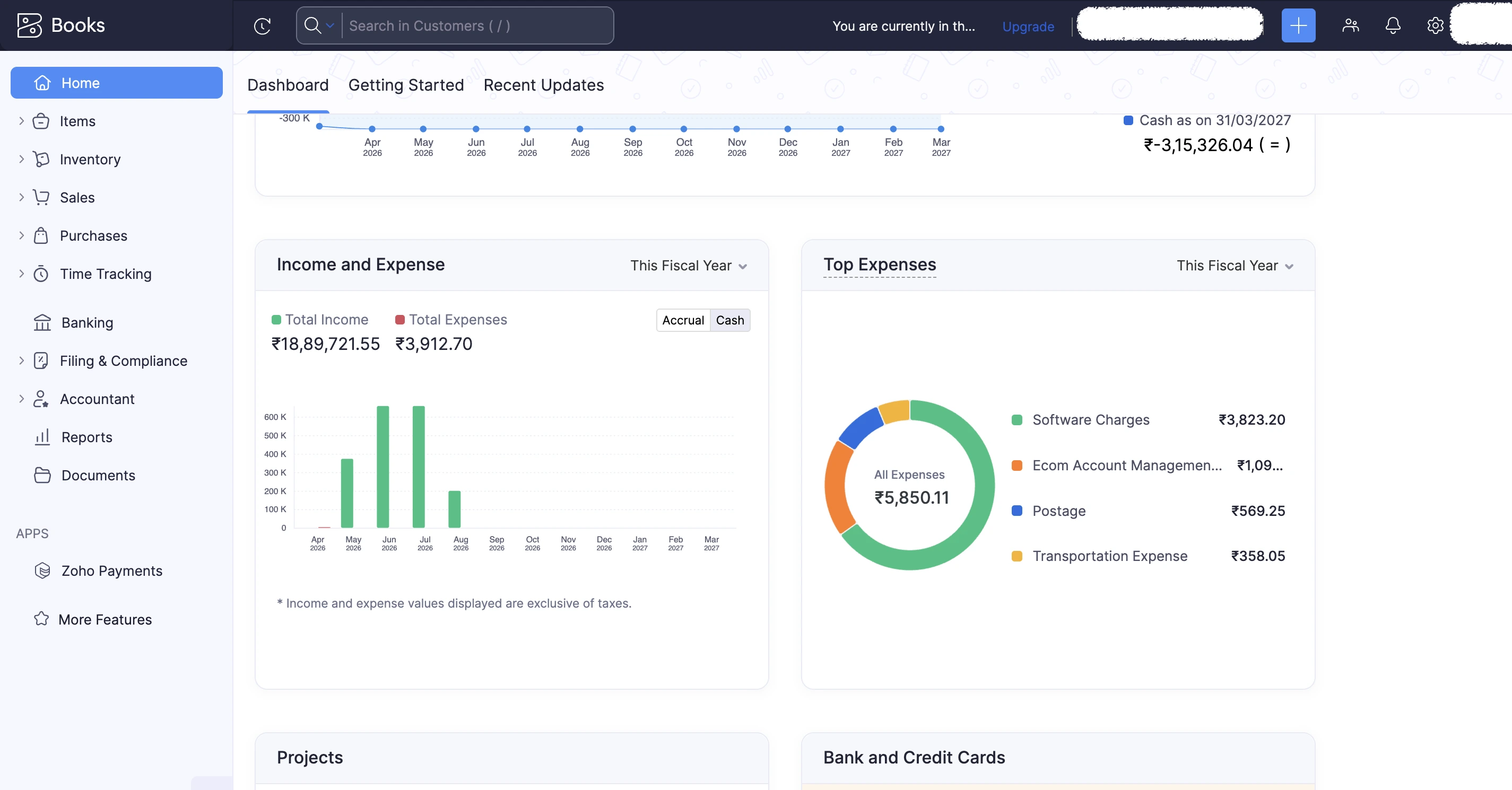
- One clear dashboard: total receivables, payables, cash flow, and profit at a glance, updated in real time.
- Web and mobile: check your numbers from your phone between meetings or while travelling, not just at a desk.
- Automation: bank feeds, recurring entries, and marketplace data flow in automatically, cutting manual data entry.
- Everything in one place: invoicing, expenses, inventory, GST, and reports live together, so you are not switching between tools.
- Multi-user access: you and your accountant work in the same system at the same time.
The result is that you spend minutes checking your position instead of days rebuilding it from spreadsheets, and you actually understand the numbers you are looking at.
Zoho Books vs Tally for E-commerce: A Quick Comparison
For multi-channel online sellers, Zoho Books usually fits better because it is cloud-based with real-time marketplace and inventory sync, while TallyPrime is a desktop-first system with a one-time licence. Both handle Indian GST, but they suit different sellers.
| Factor | Zoho Books | TallyPrime |
|---|---|---|
| Access | Cloud, web, and mobile | Desktop-first |
| Marketplace sync | Real-time via integrations | Mostly manual or via add-ons |
| Inventory across channels | Real-time with Zoho Inventory | Built-in, but not live multi-channel |
| Ease of use | Designed for non-accountants | Steeper learning curve |
| Pricing | Monthly subscription | One-time licence |
Tally remains a solid choice for sellers who prefer a local, one-time-purchase system or already run their books on it. But for a seller juggling several marketplaces who wants live, consolidated visibility, the cloud model and easy multi-channel reconciliation of Zoho Books are hard to beat.
How to Set This Up Step by Step
To set up consolidated e-commerce accounting, connect each marketplace to Zoho Books, set up a central inventory, record sales and fees per channel, reconcile settlements and TCS, and review a channel-wise profit report each month. The order below keeps it simple.
- Register for GST if you have not already, since it is required from your first online sale.
- Set up Zoho Books with your GST details and a chart of accounts for your business.
- Connect each marketplace using built-in options or an e-commerce integration tool, so orders and settlements flow in.
- Add Zoho Inventory to sync stock across all channels in real time.
- Record sales and fees per channel, tagging each by marketplace and product.
- Reconcile bank settlements and TCS every month so your books match your bank and no credit is lost.
- Review your reports: a profit and loss statement per channel and per product tells you what is actually working.
Once this is running, checking your real sales, expenses, and profit takes minutes instead of days. Many sellers set it up themselves; others have a bookkeeping professional configure it and handle the monthly reconciliation. Either way, the goal is the same: one accurate, consolidated view of your business.
Summary
If you sell across multiple marketplaces, the reason you cannot see your real sales, expenses, or profit is simple: each platform reports separately and pays only a net amount after commission, fees, returns, and 1% TCS. The fix is to bring every channel into one system. Zoho Books, with Zoho Inventory and marketplace integrations, consolidates sales, expenses, stock, GST, and TCS, tracks profit by channel and product, and reconciles every settlement, all in one place you can check from any device. Set up once, it turns days of spreadsheet work into a few minutes of clarity.
IncorpX helps online sellers set up and run this kind of e-commerce bookkeeping and accounting on Zoho Books, if you would like a hand with it.
Frequently Asked Questions
How do I track my total sales across Amazon, Flipkart, and Myntra?
Why does my bank settlement not match my sales?
How do I know my real profit as an e-commerce seller?
How do I track e-commerce expenses across multiple platforms?
Can Zoho Books integrate with Amazon, Flipkart, and Myntra?
Is Zoho Books good for e-commerce accounting?
How do I track inventory across multiple marketplaces?
What is TCS in e-commerce and how do I reconcile it?
Do e-commerce sellers need GST registration?
How do I do bank reconciliation for my e-commerce business?
Zoho Books or Tally for e-commerce: which is better?
How do I see profit per product or per channel?
How do returns affect my e-commerce accounting?
How much does Zoho Books cost for an e-commerce seller?